Your whole workspace, one question away in the AI your team already uses.
MCP is the open standard that lets an AI assistant work inside other software. ProposalWorkspace supports it, so the assistant your team already uses - Claude, ChatGPT, Gemini, Microsoft 365 Copilot or Perplexity - can search opportunities, read the compliance matrix, draft into the outline and create tasks in your workspace. One link, your existing login, no extra charge.
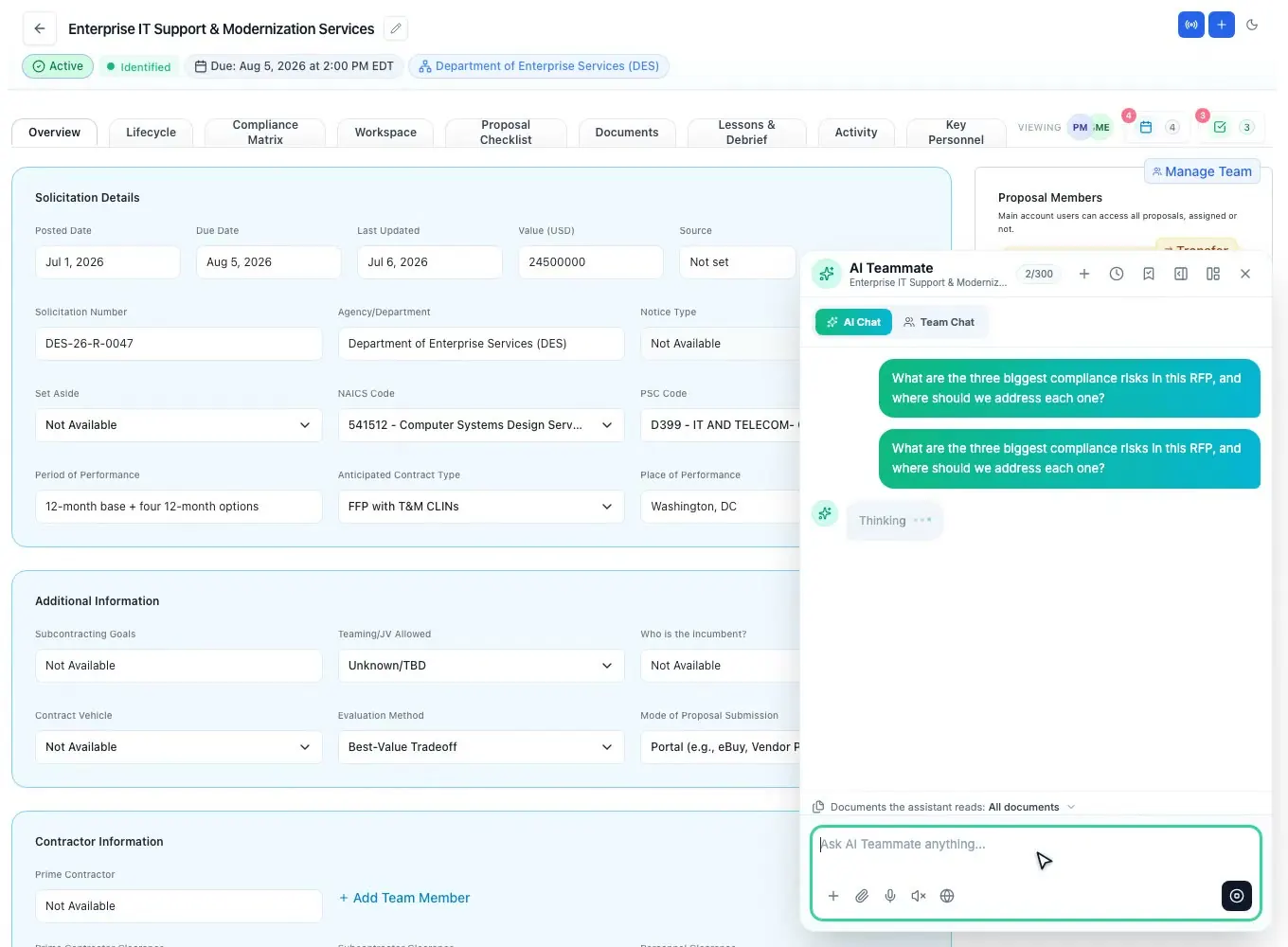
Five assistants, one link
The connector is one address, https://mcp.proposalworkspace.com/mcp, and it works in the assistants proposal teams already pay for. There is nothing to install and no API key to manage: the assistant asks you to sign in on ProposalWorkspace, and from then on it works inside your account.
- Claudeclaude.ai and the desktop app: Settings, Connectors
- ChatGPTPlus and above: Apps and Connectors
- GeminiGoogle Workspace business plans; your admin adds it once
- Microsoft 365 CopilotYour admin connects it through a Copilot Studio agent
- PerplexityPaid plans: Account, Connectors
- Any assistant with MCPThe same link and the same sign-in
Paste the link. Sign in once. Ask.
Paste the link into your assistant. Sign in on ProposalWorkspace, once: the assistant receives a temporary key that expires on its own and never sees your password. Then ask - "Which requirements in Volume I are still unowned?" "Add the Q&A deadline as a task for Priya." The assistant can only do what your role allows, and it can never touch billing.
- Paste https://mcp.proposalworkspace.com/mcp into the assistant
- Sign in on ProposalWorkspace - your password is entered on our page, never on the assistant
- The assistant receives a short-lived token that expires in about an hour
- Ask in plain language; changes land in your workspace under your name
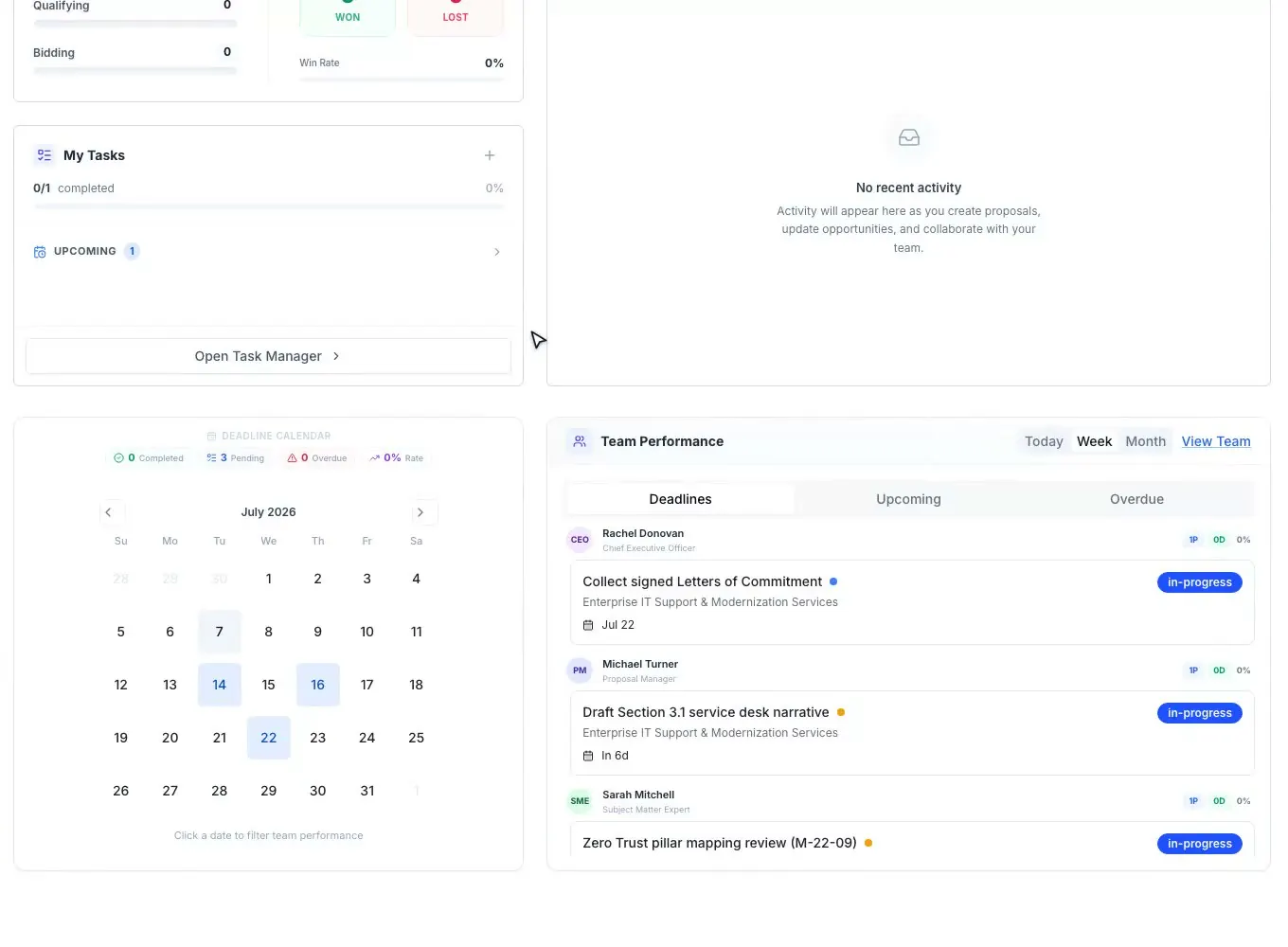
The whole workspace, not a chat window
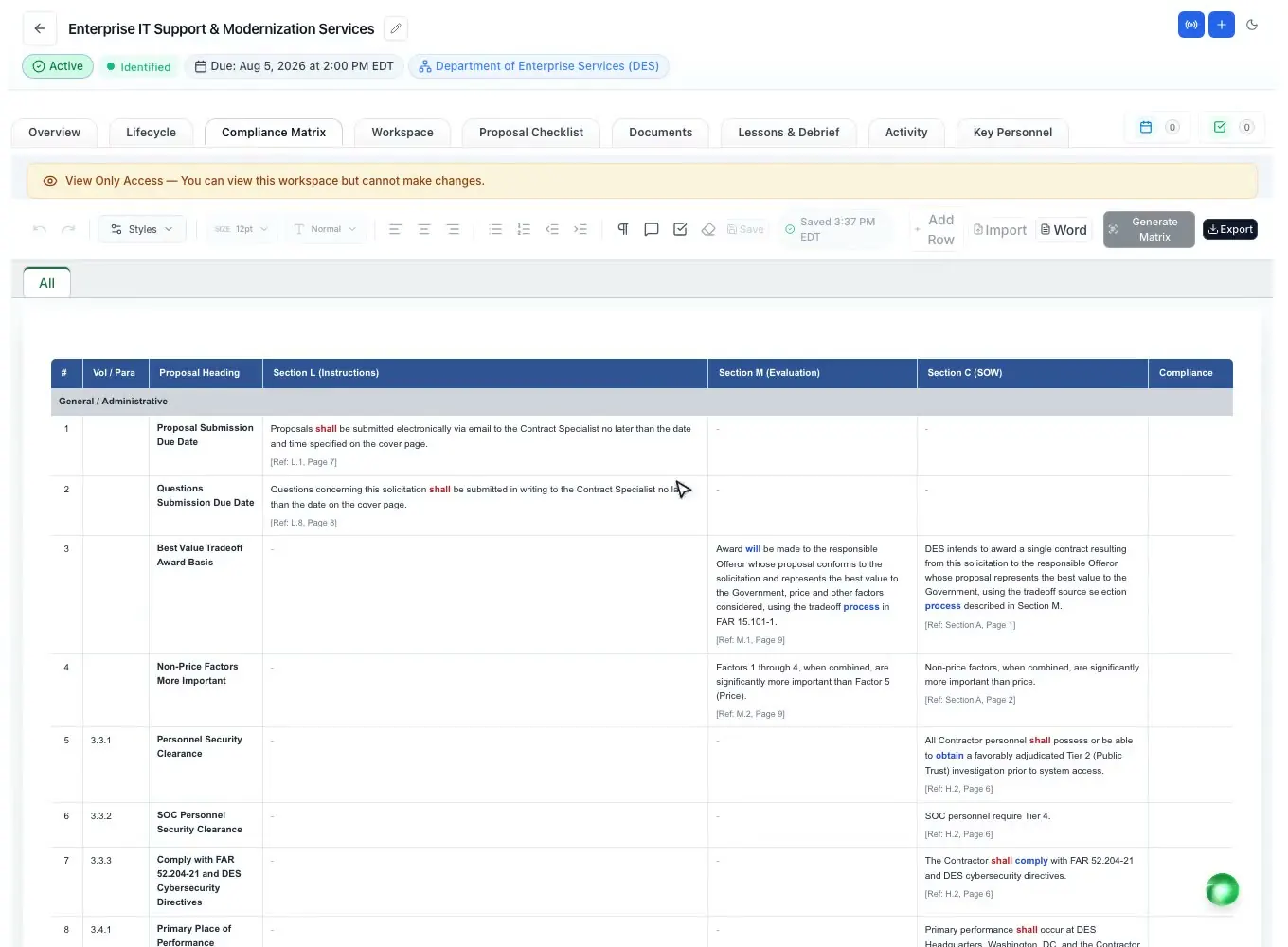
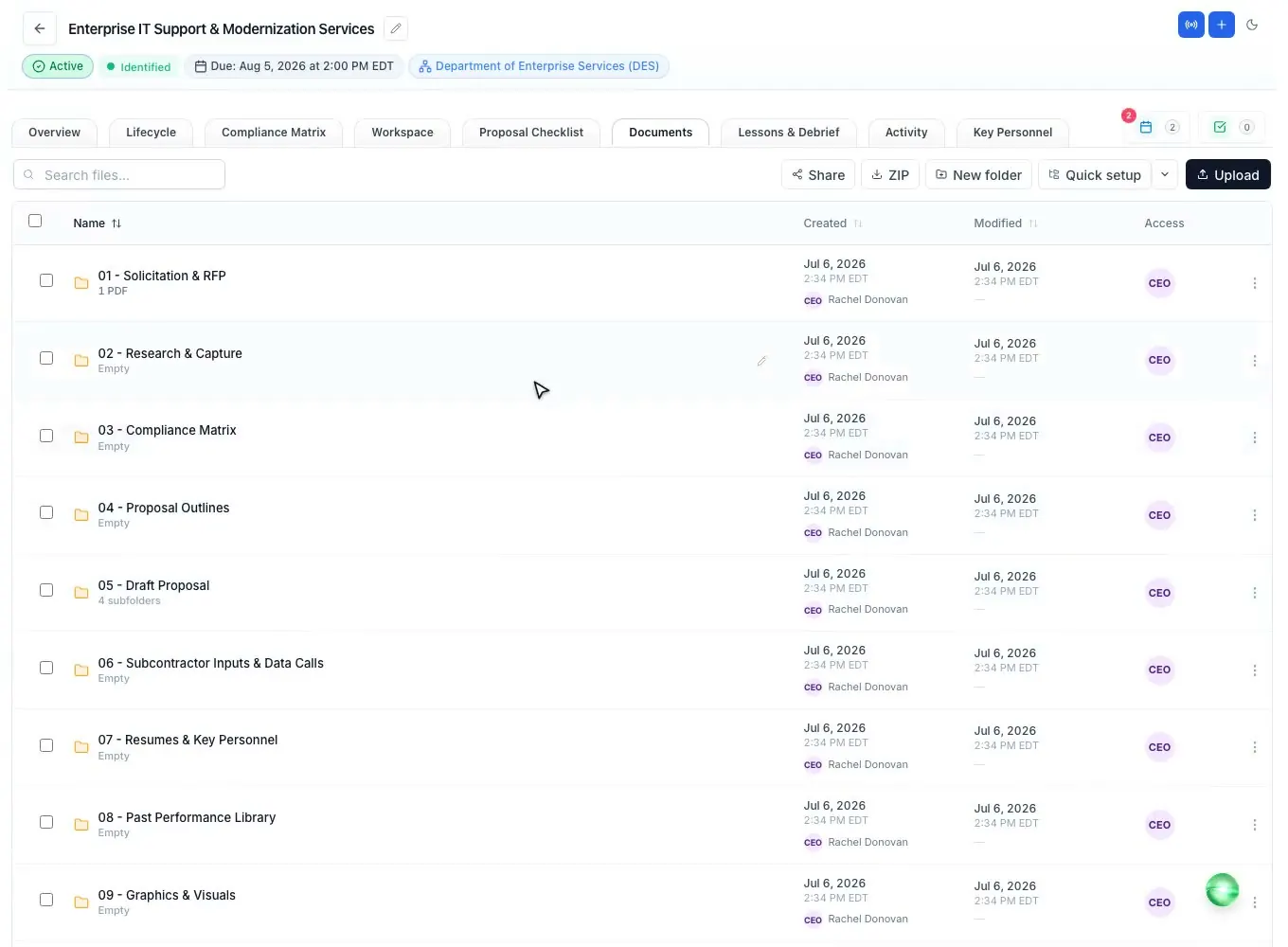
Search and save opportunities, read proposals and the compliance matrix, tick the checklist, create tasks, update capture data, write into the outline, read lessons. The same tools for every assistant, and for every member who can sign in.
- Federal and state opportunities: search, save, add to Proposals
- Proposals, the compliance matrix and the checklist: read and update
- Tasks and deadlines: create tasks, read what is due
- Capture and lifecycle data, the outline canvas, documents and folders
- Pull a public file by URL straight into a proposal
- Lessons, debriefs and the Knowledge Library
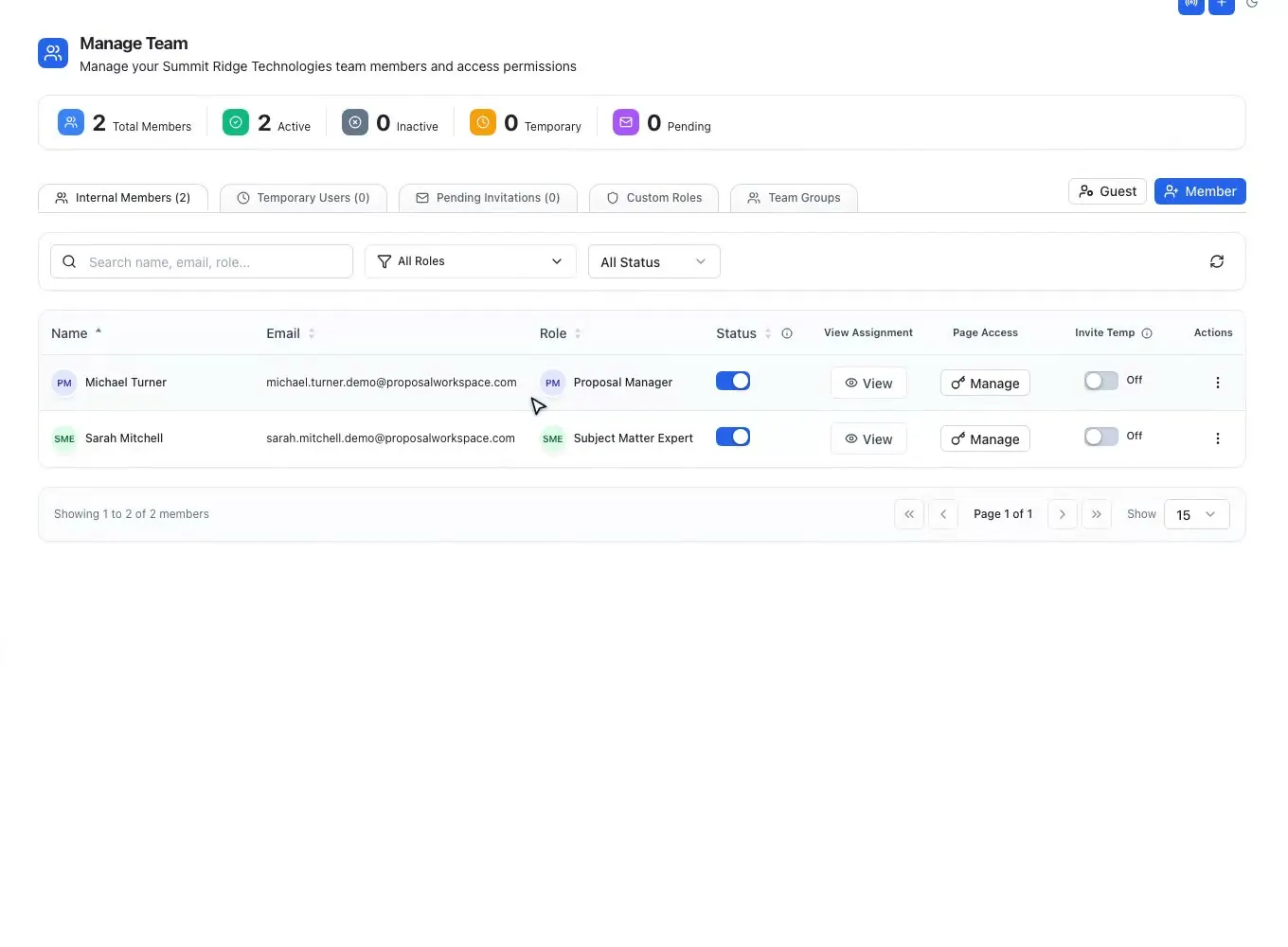
Scoped to your role
The connector never widens your reach. Every tool call runs against your own account and role, so the assistant sees exactly what you can see. Billing and subscription changes are hard-blocked, and there is no admin or back-office access through the connector.
- Every call scoped to your account and role
- The assistant sees only the proposals and data you can access
- Billing and subscription changes are hard-blocked; subscription status is read-only
- No admin or back-office access through the connector
- Nothing silent: changes land in the activity timeline, under your name
Included with your plan
The connector is part of ProposalWorkspace, not a paid add-on. The only gate is your login: there is no connector tier, no per-seat add-on and no feature flag to unlock. If you can sign in, you can connect the assistant your team already uses.
- Included at no extra cost, on every plan
- The only gate is an active account login
- No separate subscription, tier or entitlement to buy
- The same tools for every member who can sign in
Isolated by design
Your workspace stays isolated whichever assistant you connect. Row-Level Security policies guard every table, files sit in encrypted storage served through time-limited links, and privileged actions land in an immutable, IP-stamped audit log. No one learns which other companies a teammate works with.
- Row-Level Security enforced by workspace policies on every table
- Encrypted file storage, served through time-limited links
- Immutable audit log stamping actor, IP and time
- Per-proposal access logging, including external collaborators
- Workspace confidentiality: other companies stay private
Related capabilities
See it on your next RFP
Self-serve signup. Free trial, no credit card. Claude connector included.