Your proposal, beside your document.
A panel inside Word, Excel and PowerPoint that knows the pursuit you are writing. It checks the open file against the rules that get proposals thrown out - page limits, formatting, tracked changes left in - scores a paragraph against the requirement it answers, and inserts from your Company Library. One install covers all three applications.
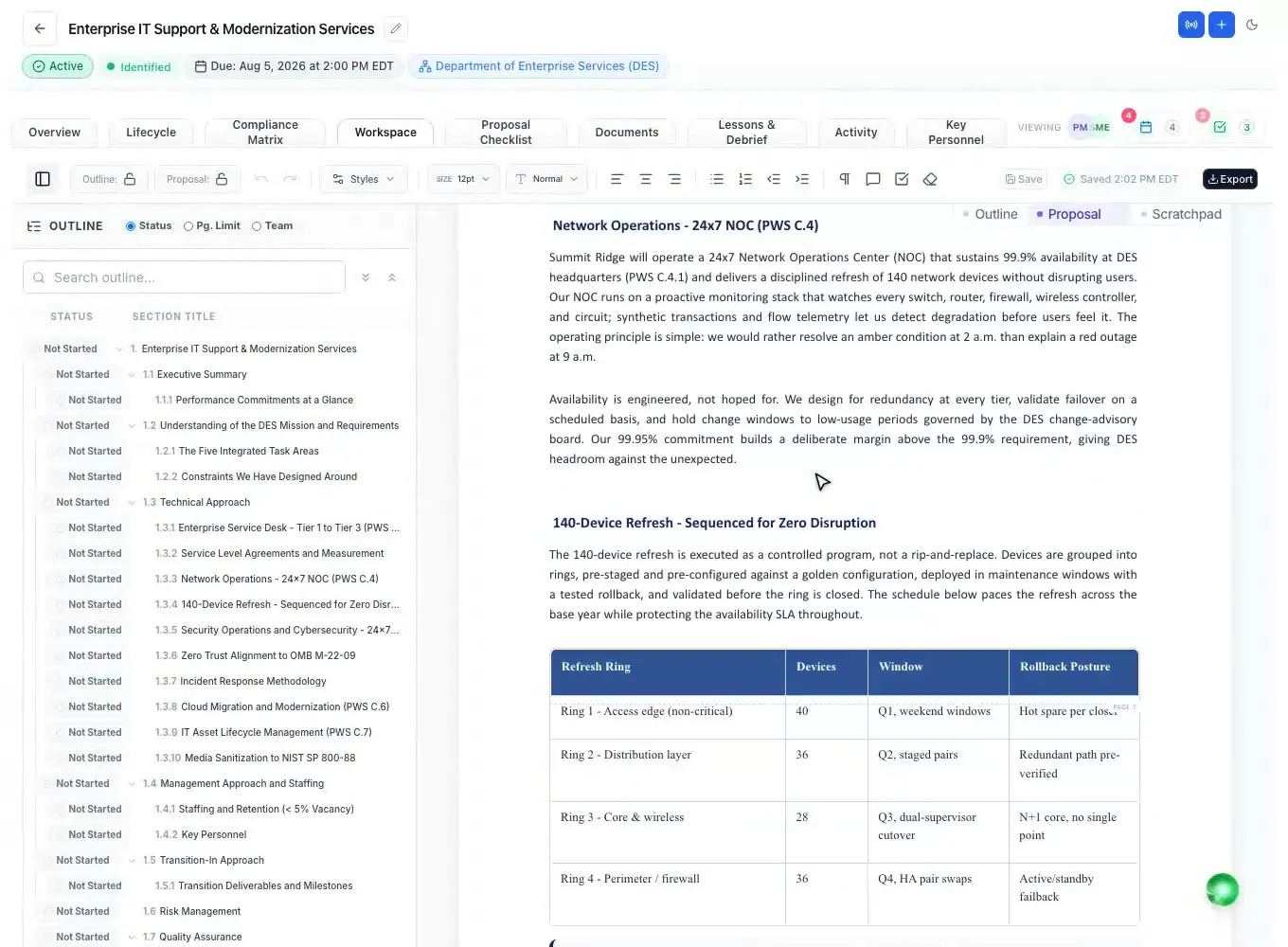
Twelve checks over the open document
Competing add-ins help you produce text. None of them check the document against the rules that actually disqualify a proposal. The panel groups its findings by what a miss costs you: blockers get a proposal thrown out unread, risks cost score, polish is how it reads.
- Page limits: every section measured against the limit the RFP set for it
- Tracked changes and reviewer comments still in the file at submission
- Formatting: font, size, line spacing and margins against the solicitation
- Requirement coverage, unbacked claims and win themes that never made it in
- Acronyms used before they are defined, and document metadata naming someone outside your company
- Four of the twelve run in the panel with no server call, so they are free to run twenty times a day
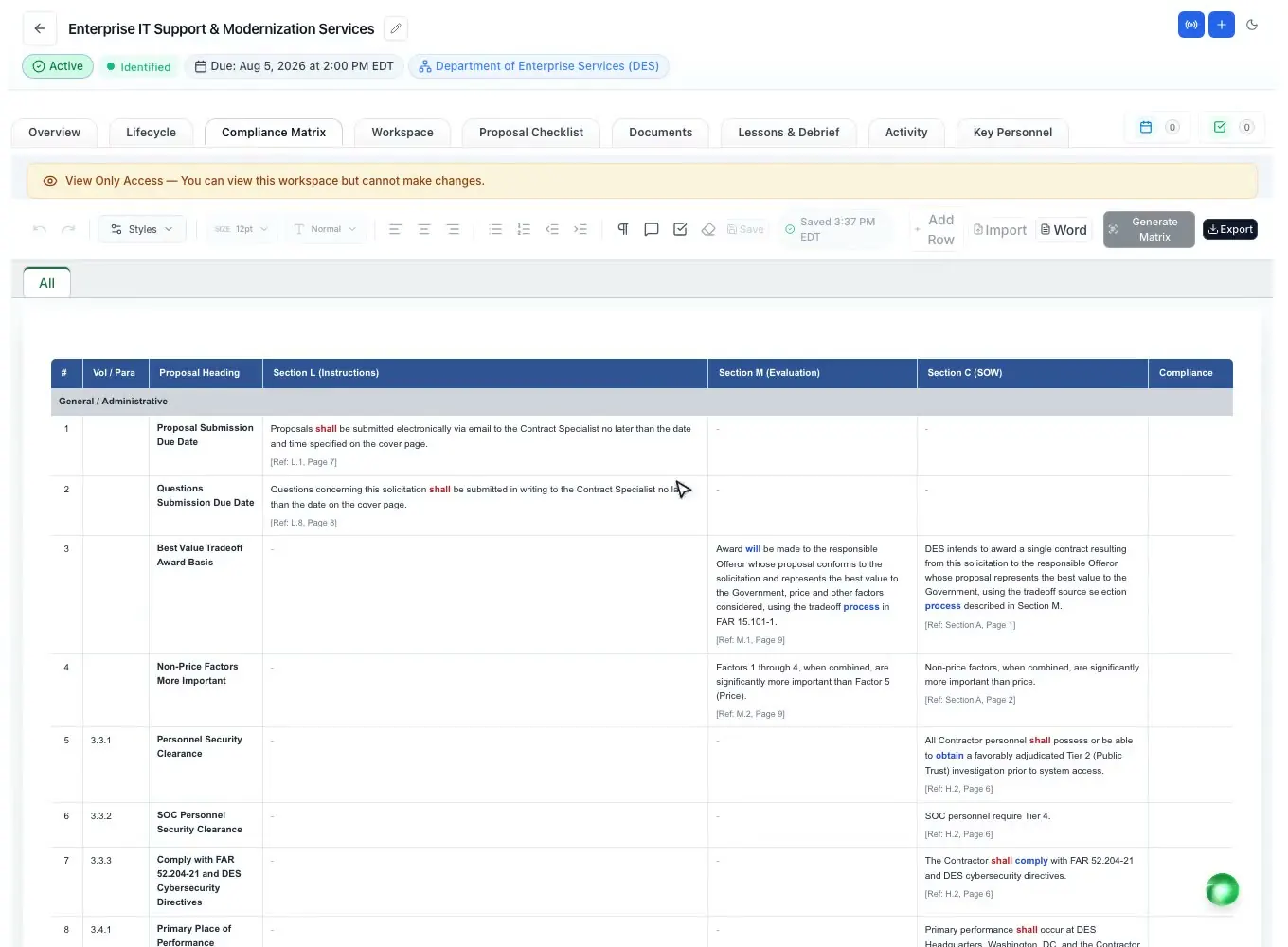
Know how much room is left, section by section
The page limits come from your proposal, not from a guess, and each section is measured against its own. On recent desktop Word the count is Word’s own pagination; elsewhere it is an estimate, and the panel says which it is rather than implying precision it does not have.
- Pages used against the limit for the section you are in
- The volume total, so you see the budget as well as the line item
- Tighten to fit: shorten to a target the panel already worked out
Scored against the requirement it answers
Select a paragraph, pick the matrix row it belongs to, and it is scored out of 100 against that row’s own Section L, M and C text by the same evaluator the app runs - with its reasons, and the compliance status it would suggest. Advisory, never a submission gate.
- The full L/M/C matrix, filterable, in the panel
- Questions to the Government: the grounded scan, each finding tied to its page in the RFP
- It reports what the evaluator would set; it never sets a status itself
Insert what you can actually prove
Past performance, capabilities, approved win themes and your bench, inserted as properly formatted content with a source note. Company facts come only from your library - the panel will not invent one.
- Past performance ranked against this pursuit
- Approved win themes only, and nothing is woven in unless you tick it
- Key personnel as a bio or a formatted table
- Past proposals: read how you argued it last time, with what has gone stale flagged before you insert it
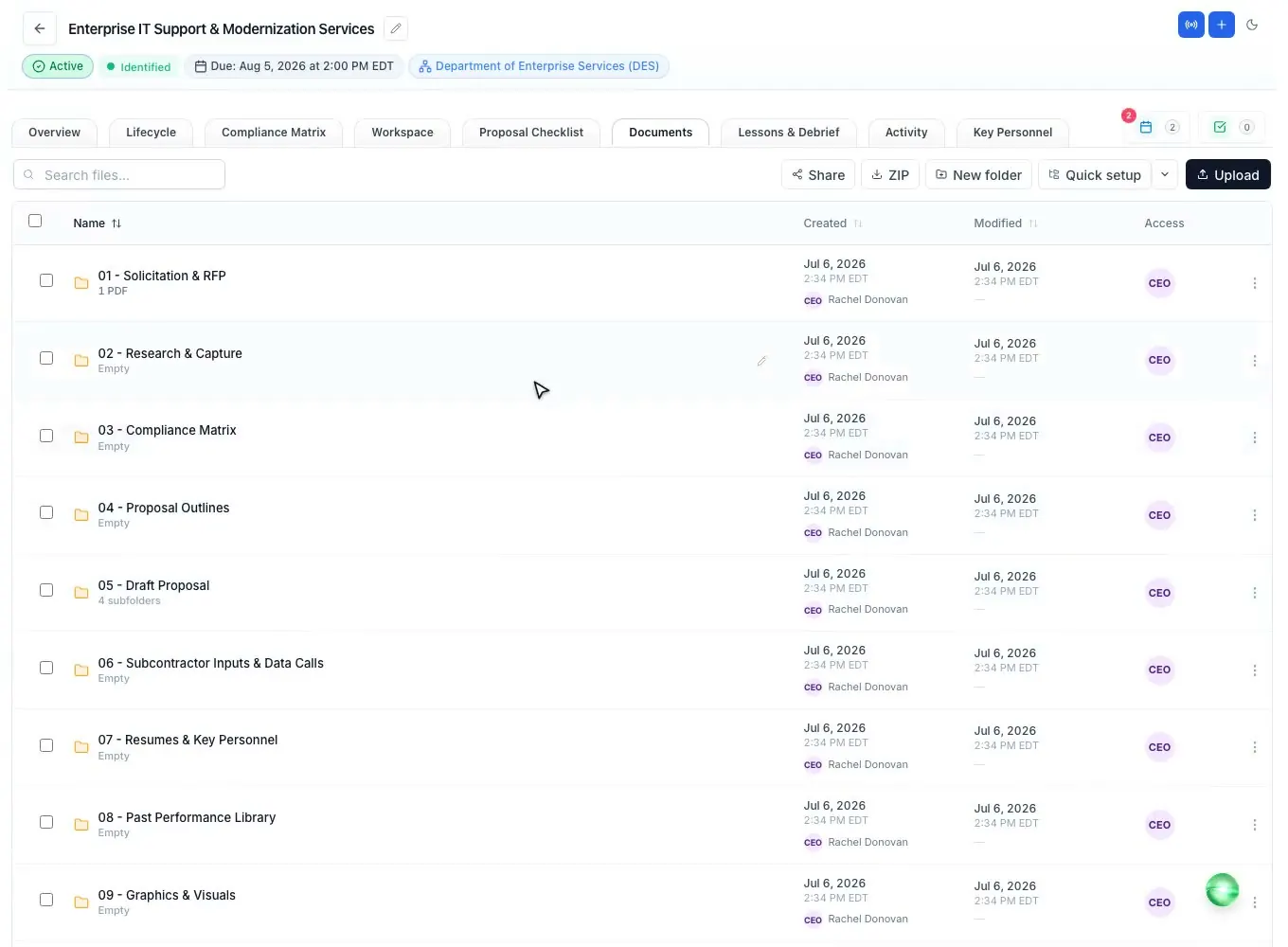
One install, three applications
The same panel, the same sign-in. In Excel it works the compliance matrix in the layout the app already reads and writes. In PowerPoint it builds a deck from the pursuit’s own data - the gate review, the capture review, the kickoff - and inserts the slides you pick into your own template.
- Excel: the compliance matrix and the submission checklist
- PowerPoint: gate review, capture review, kickoff, colour-team readout and capability statement
- Slides arrive in your deck’s own theme; nothing is overwritten
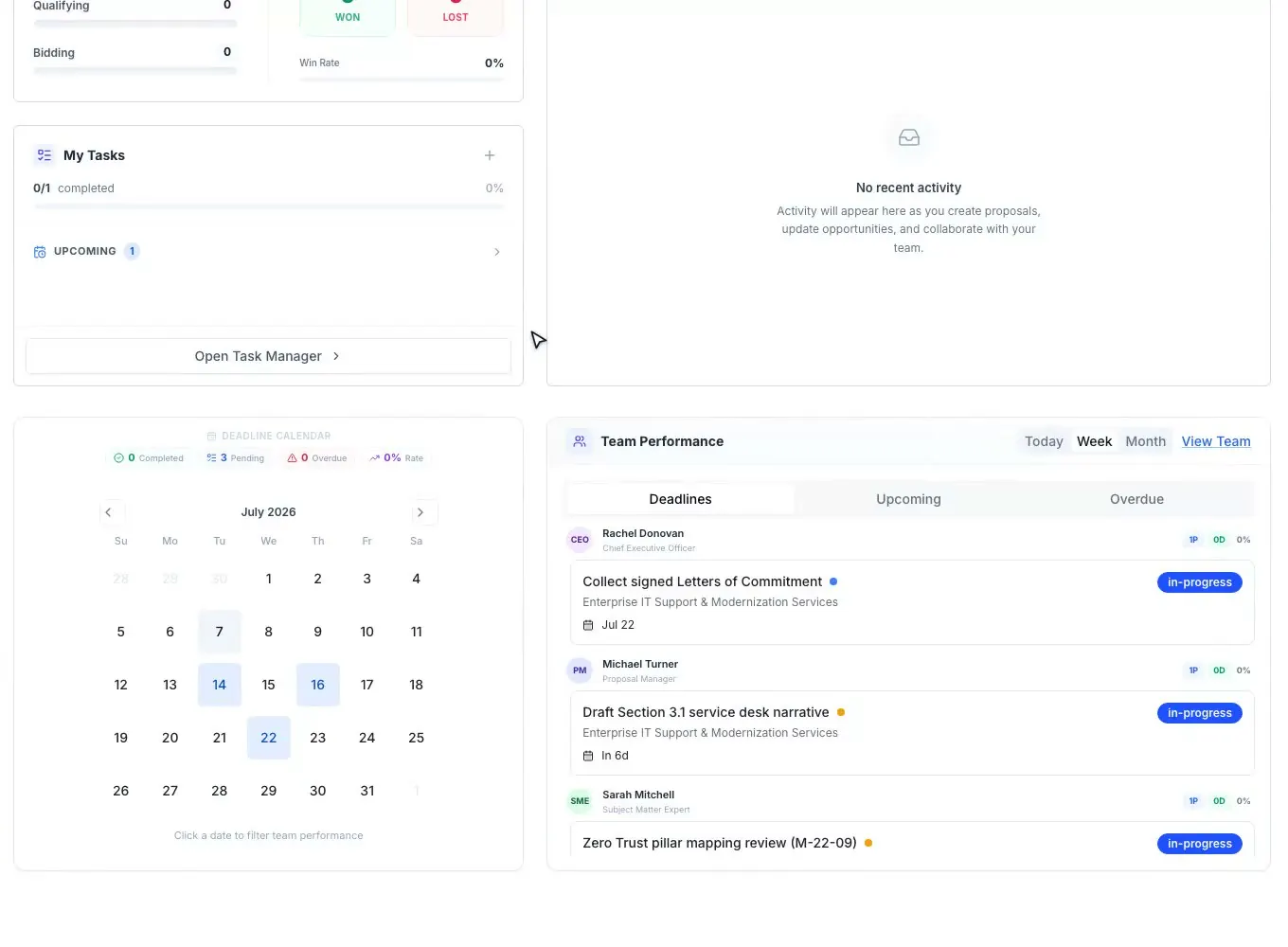
A six-digit code, not a password in a side panel
The panel shows six digits. You type them in ProposalWorkspace, where you are already signed in, and confirm a dialog that names the machine asking. No password is ever entered into the task pane, and each connected panel can be disconnected on its own.
- One code connects Word, Excel and PowerPoint
- The confirmation names the application, version and platform that asked
- Disconnecting a panel ends its session on the server, not just on that machine
- The panel can only see what your role already lets you see
For IT administrators
Deploy it to everyone from one page
There is nothing to install on any machine. An Office Add-in is a hosted web page that Word, Excel and PowerPoint load on demand, so there is no MSI, no per-machine agent, and updating our site updates every user.
- Manifest URL
https://proposalworkspace.com/office/manifest.xml- Deploy to the organisation
- Microsoft 365 admin centre › Settings › Integrated apps › Upload custom apps › App type “Office Add-in” › provide the manifest URL above › assign users or groups › Deploy. Allow up to 24 hours for the button to appear on the ribbon.
- Or with PowerShell
New-OrganizationAddIn -ManifestPath 'https://proposalworkspace.com/office/manifest.xml' -Locale 'en-US' -Members 'user@contoso.com'- GCC, GCC High and sovereign clouds
- The Integrated apps portal is not available in those clouds. Deploy through the SharePoint App Catalog instead, using the same manifest.
- What it accesses
- Reads: the proposals the signed-in person can already open, their Company Library, the compliance matrix, and the text of the document they have open.Writes: content the user explicitly inserts, and proposal sections the user explicitly sends. It never writes into a section somebody has already written in.Stores in the document: the proposal’s id, so reopening the file reconnects. No proposal content is stored in the file.Does not access: other tenants, mail, or any file other than the one open.
- Sign-in
- A six-digit pairing code. No password is ever entered into the task pane. Each connected panel can be disconnected individually from Settings, which ends that panel’s session on the server.
- Supported versions
- Word 2016 and newer, Word on Mac, Word on the web. Excel 2016 and newer, Excel on Mac, Excel on the web. PowerPoint 2021 and newer, PowerPoint on Mac, PowerPoint on the web - building slides needs APIs that do not exist in PowerPoint 2016 or 2019, and the panel says so rather than failing quietly.
Related capabilities
See it on your next RFP
Self-serve signup. Free trial, no credit card. Claude connector included.