Proposal team collaboration software
Your team, live in the workspace
Voice calls with an AI scribe, team chat with presence, an AI teammate on every proposal surface, and tasks with automatic reminders - collaboration lives inside the workspace, so the whole team works from one place.
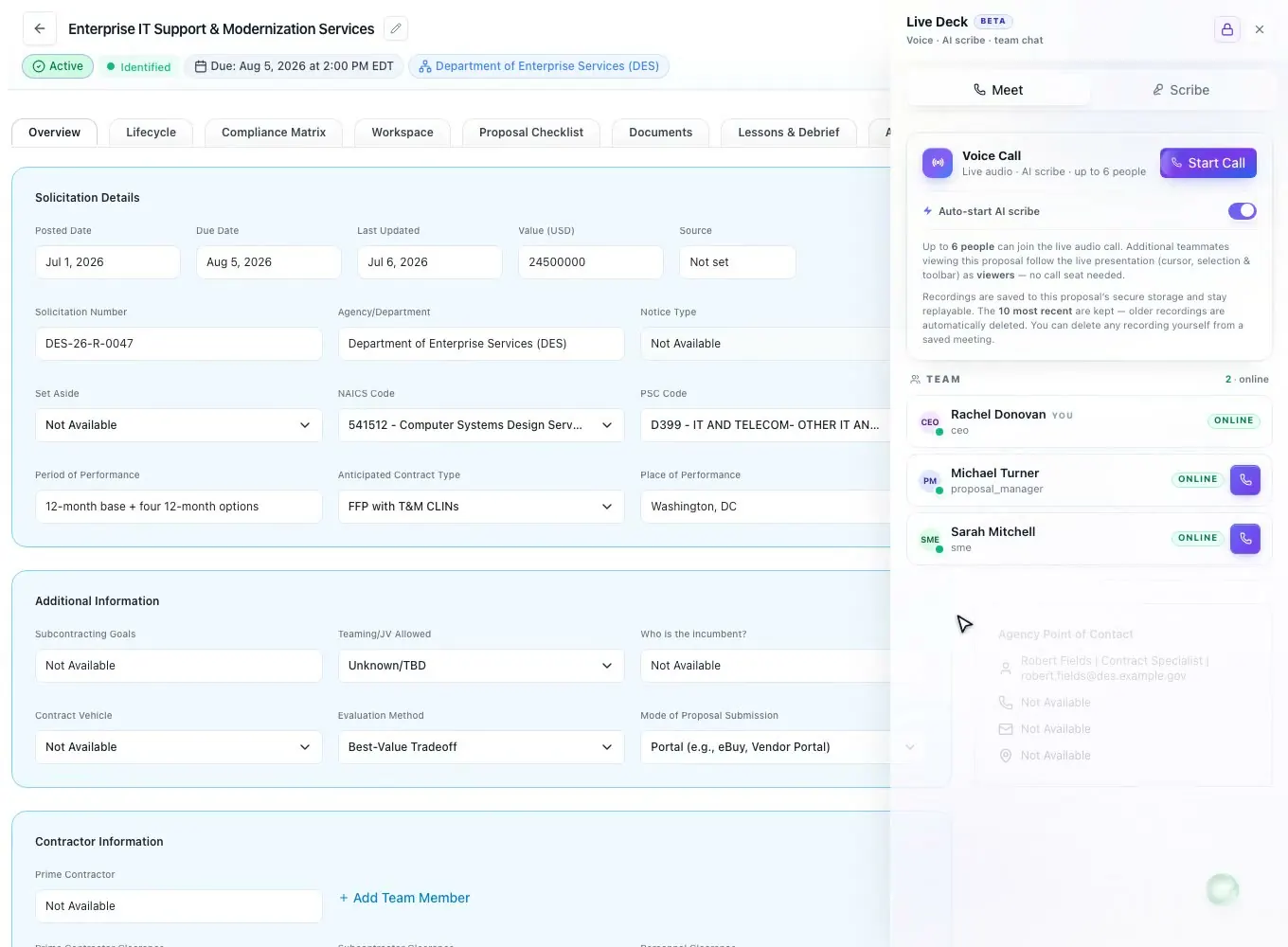
Live Deck
Talk it through, together
The Live Deck panel carries voice, an AI scribe, and comments with you across the app. Start live audio for up to twelve people, and teammates viewing the proposal follow your cursor, selection, and toolbar - no call seat needed.
- Live audio for up to 12, with mute and speaking indicators
- Present so others follow your cursor, clicks, and selections
- Extra viewers follow along without taking a call seat
- The panel persists app-wide and survives navigation
- Ringing call invitations with accept, decline, and missed handling
AI Scribe
Meetings become notes
Turn on the scribe and the call becomes a transcript with extracted action items, decisions, and deadlines. Send a meeting summary to the people you pick, and spin any action item into a task on a chosen proposal.
- Auto-start scribe records the call and drafts the notes
- Extracts action items, decisions, and deadlines
- Turn any action item into a task on a chosen proposal
- Meeting-summary email to the recipients you choose
- 10 most recent recordings kept, replayable and deletable
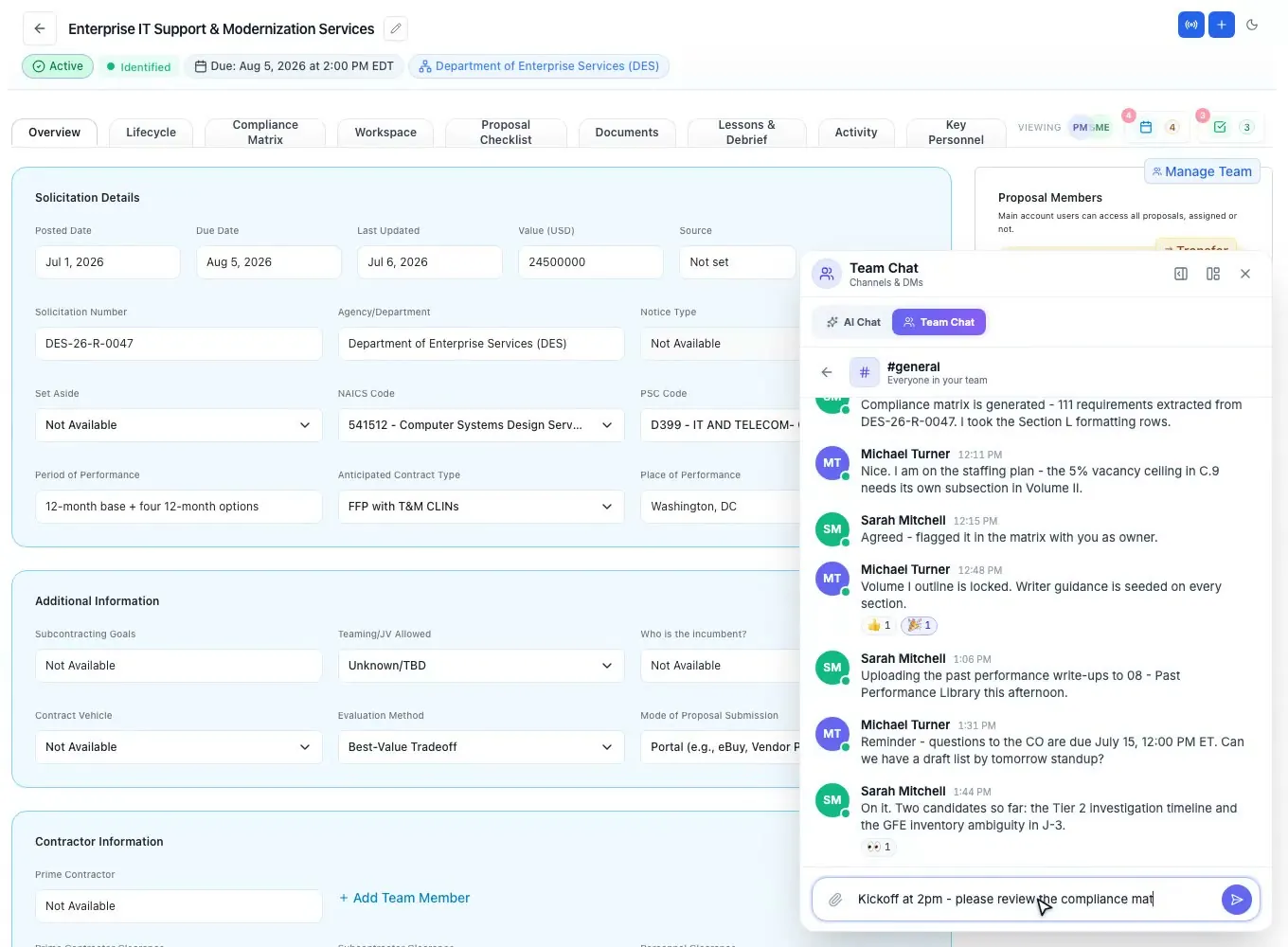
Team chat
Reach whoever is online
Channels and one-to-one DMs sit beside the AI chat, with file attachments, voice notes, emoji reactions, and typing indicators. Online presence shows who is around, so you can reach whoever is online in the moment.
- Public and private channels, plus one-to-one DMs
- File attachments and recorded voice notes
- Emoji reactions, typing indicators, and read receipts
- Online presence shows who is around right now
- @mention an AI teammate in a channel for an inline reply
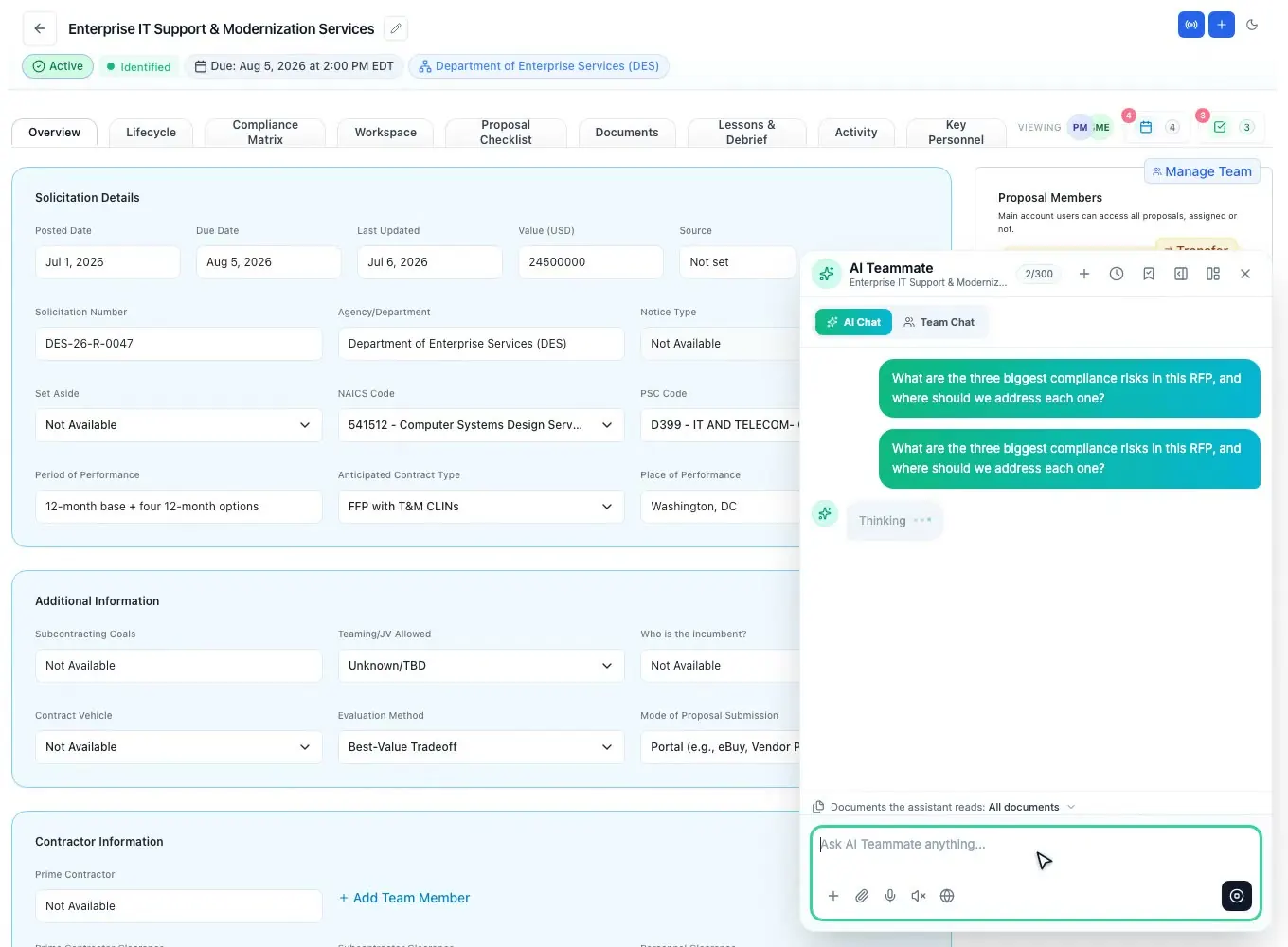
AI teammate
One AI, every surface
The same AI teammate opens on the proposal surfaces with live context. It reads the RFP documents, answers in the workspace, and can write straight to the canvas as a tracked change. It draws on the monthly AI credits your plan includes, and the chat shows what is left.
- Opens on proposals, opportunities, profile, and the editor
- Reads the RFP documents you scope to it
- Writes to the canvas as a reviewable tracked change
- Streams token-by-token with a stop control
- AI credits left this month shown in the chat
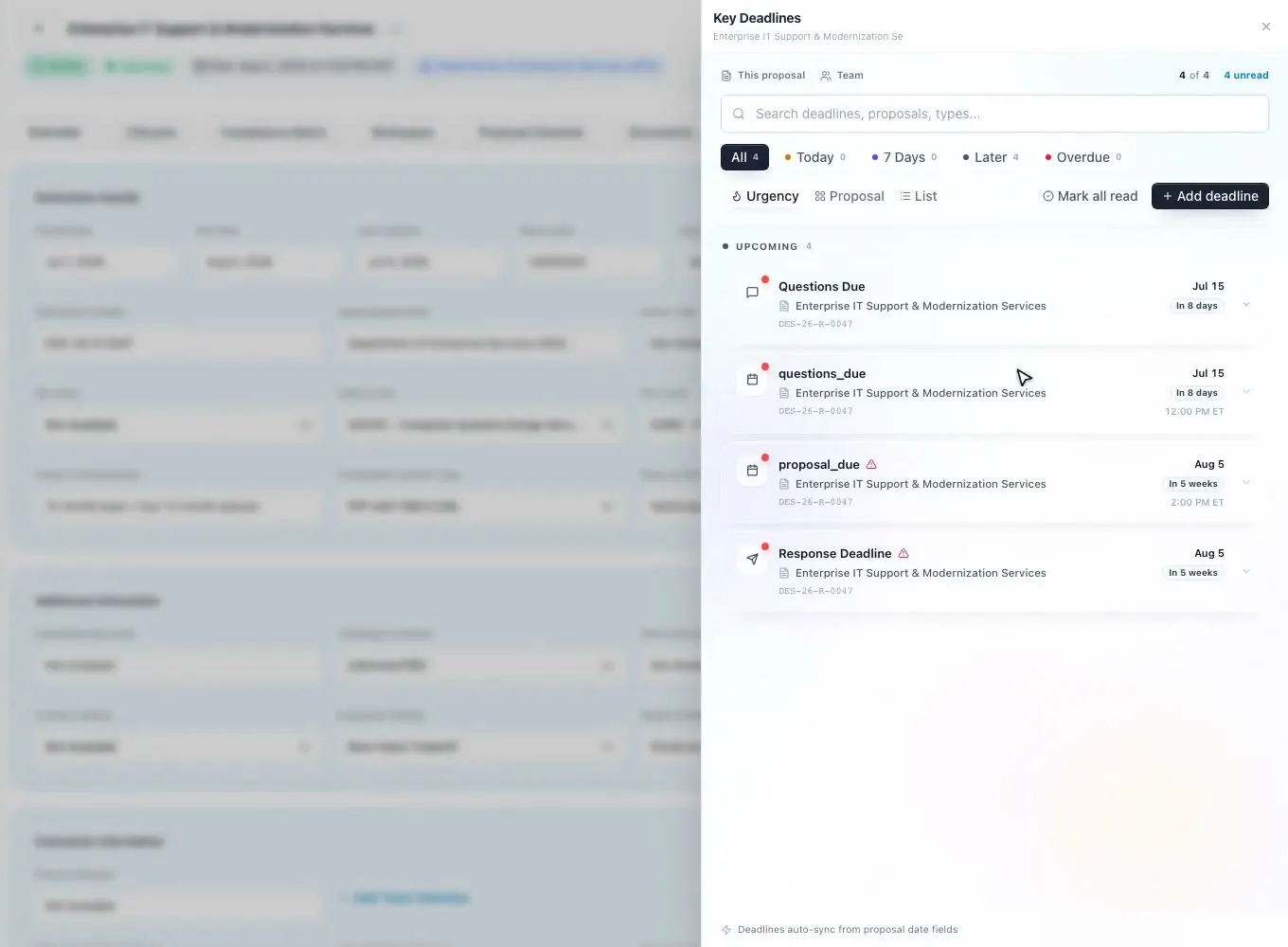
Tasks + deadlines
Reminders that go out on their own
Create tasks and deadlines from slide-in panels without leaving the page. Task reminders go out by email 3 days and 1 day before the due date, and every proposal deadline gets a daily email alert to the proposal team in the 72 hours before it, so nothing slips.
- Slide-in panels for tasks and deadlines on any page
- Assignees, priority, and a due date and time
- Task reminders by email 3 days and 1 day before the due date
- A daily deadline alert in the 72 hours before each proposal deadline
- Rich deadline types, including review milestones
- One-click nudge to re-send a reminder
Access
Access managed simply
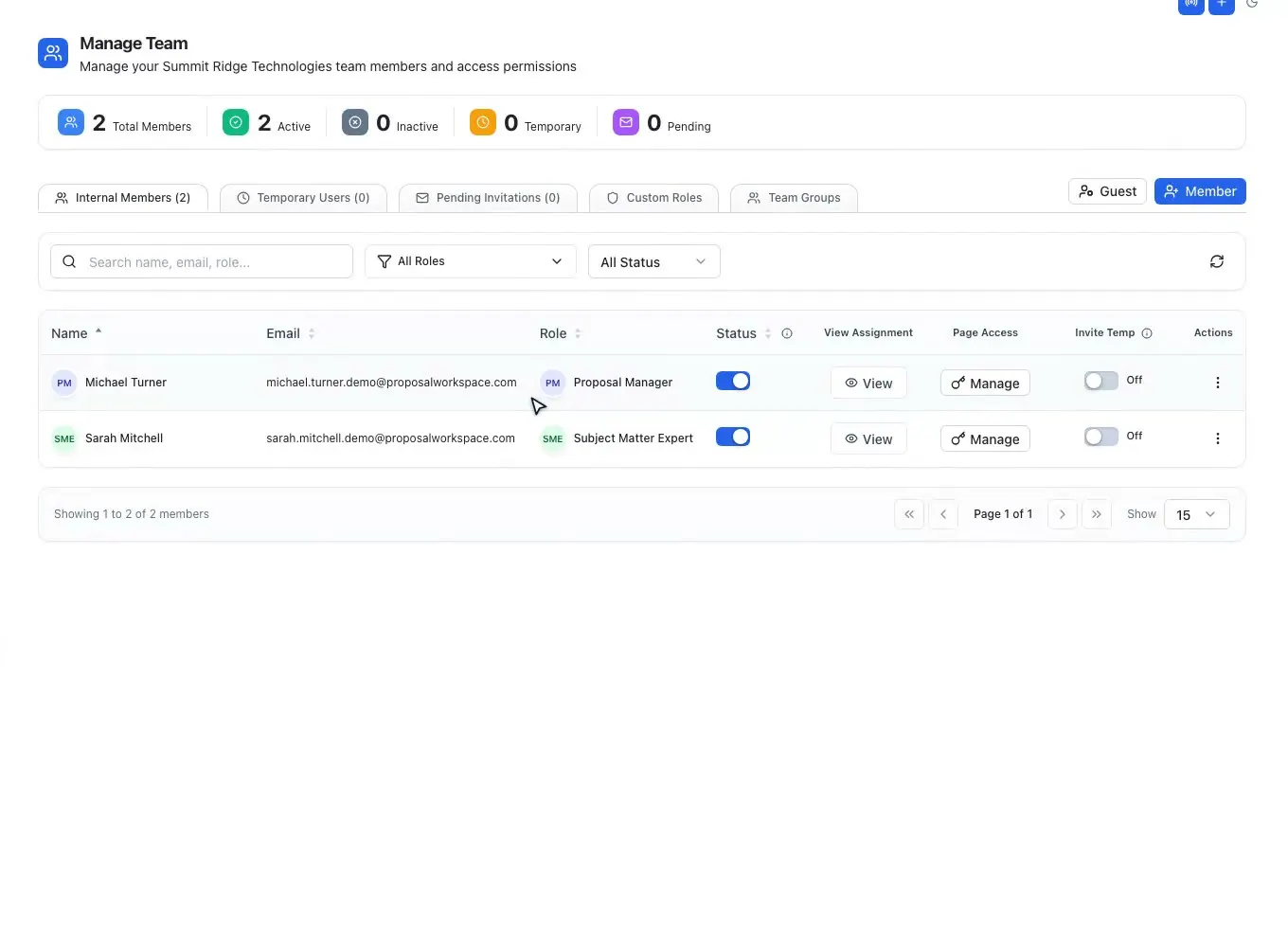
Access stays simple: one Owner, internal members with role titles, and temporary guests with an expiry date. Guests start view-only until the owner grants edit, and guest access ends on its own when the date passes.
- One Owner, plus internal members with role titles
- Temporary guests with an expiry date
- Guests view-only by default; the owner can grant edit
- Page-level access control per member or guest
- Pending invitations and team groups in one place
Questions people ask
Questions about proposal team collaboration
What does proposal team collaboration software do?
It keeps the whole proposal team working in one place instead of email threads and shared drives. ProposalWorkspace has voice calls with an AI scribe, team chat with presence, tasks and deadlines with reminders, and co-authoring with comments and track changes, all inside the workspace for each pursuit.
Can we hold proposal meetings inside the workspace?
Yes. Live Deck starts live audio for up to 12 people, and teammates can follow your cursor and selections. Turn on the AI scribe and the call becomes a transcript with action items, decisions and deadlines, and any action item can become a task on a proposal.
How do task and deadline reminders work?
Task reminders go out by email 3 days and 1 day before the due date, and every proposal deadline gets a daily email alert to the proposal team in the 72 hours before it. A one-click nudge re-sends a reminder when someone needs it.
Can a consultant join one proposal without seeing the others?
Yes. Invite them as a temporary guest with an expiry date. Guests start view-only until the owner grants edit, page-level access can be set per member or guest, and guest access ends on its own when the date passes.
How do teaming partners send their part of the proposal?
Through a data call. The AI plans what each partner must send from Section L, Section M, the PWS and the outline, and each partner gets a Word package and a private link that needs no account. Their uploads land in the proposal's documents, with a notice on each one.
Related capabilities
 ProposalWorkspace
Ready when the next RFP drops.
Set up in minutes
Free trial, no credit card. Claude connector included.