AI RFP analysis with page citations
The RFP, read properly
ProposalWorkspace reads native RFP PDFs and spreadsheets and extracts every requirement with a page or section cite. It builds a GO/NO-GO worksheet you can defend - and when the AI cannot read a source, it fails loudly instead of inventing an answer.
Extraction
Cited, not guessed
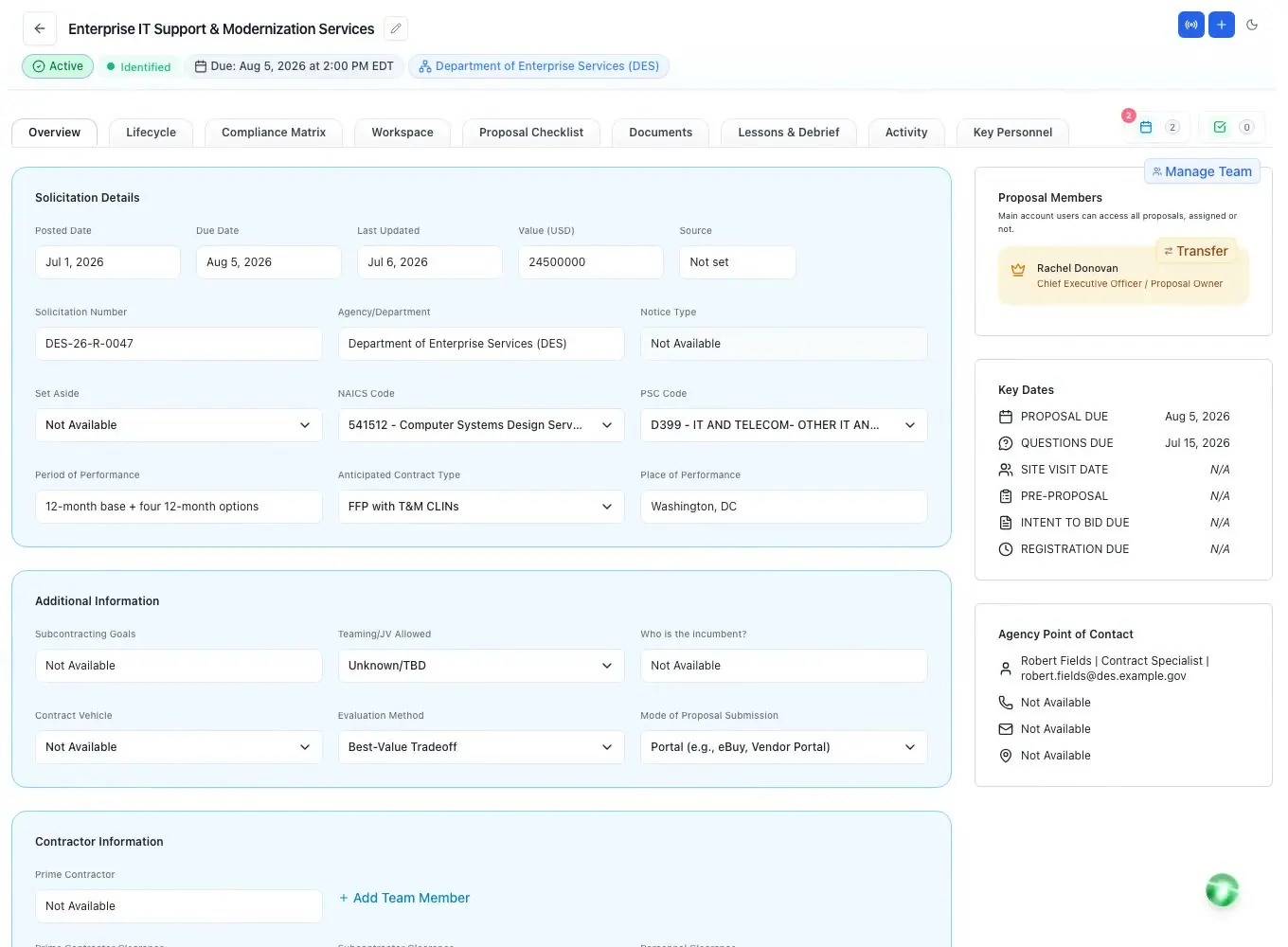
Every extraction pass points back to the document. The AI reads native RFP PDFs and spreadsheets and returns strategic objectives, tasks, requirements, evaluation criteria, dates, and submission rules - each with a mandatory page or section citation you can open and verify.
- Reads native RFP PDFs and spreadsheets - no manual copy-paste
- Verbatim shall / must requirements classified mandatory, conditional, or preferred
- Every line carries a page or section cite back to the source
- Auto-fills metadata - agency, dates, NAICS / PSC, set-aside, value - with a confidence flag
- Flags discrepancies and missing fields instead of filling them with guesses
- When the AI is unavailable it fails loudly - never returns a fabricated result
Bid / No-Bid
A bid decision you can defend
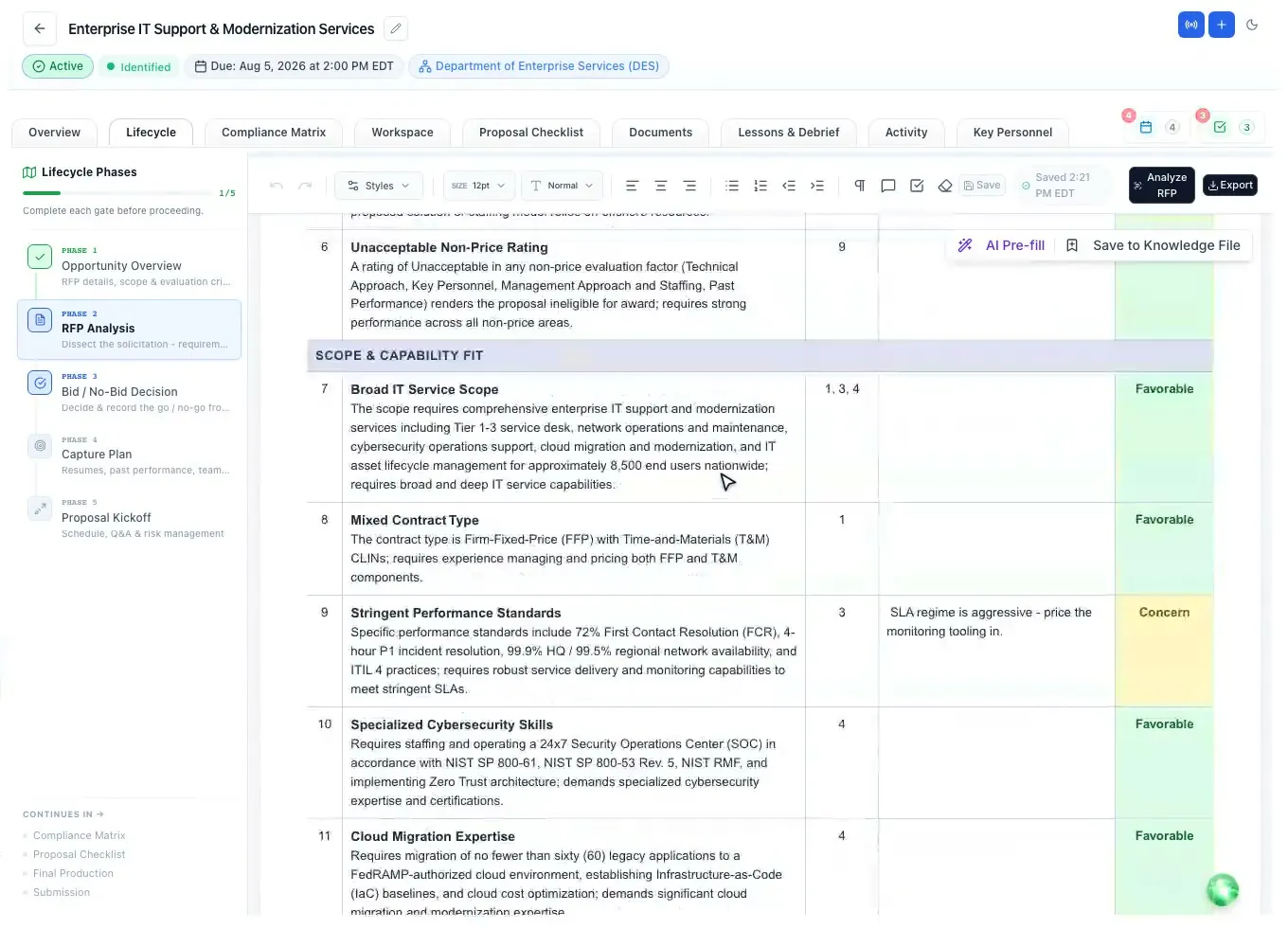
The AI turns the RFP into a categorized GO/NO-GO worksheet - factors grouped across six decision categories, each with the solicitation fact, why it matters, and a page cite. Set every factor to Favorable, Concern, Showstopper, or N/A.
- Six categories: eligibility, scope fit, competition, value, risk, and bid effort
- Click-to-set status cells - Favorable, Concern, Showstopper, or N/A
- Requirements Signal banner - Strong, Mixed or Weak from the tally; any showstopper reads Weak
- Then the Bid/No-Bid gate: any showstopper blocks the bid, a weighted scorecard recommends GO at 70 and above, and you record the call
- Save proven factors to a reusable Bid/No-Bid Knowledge File
- Pre-fill the next pursuit from that file - only where you have not already assessed
- Review-before-save dialog shows exactly what will be added, reused, or merged
Read + mark up
Read it in place
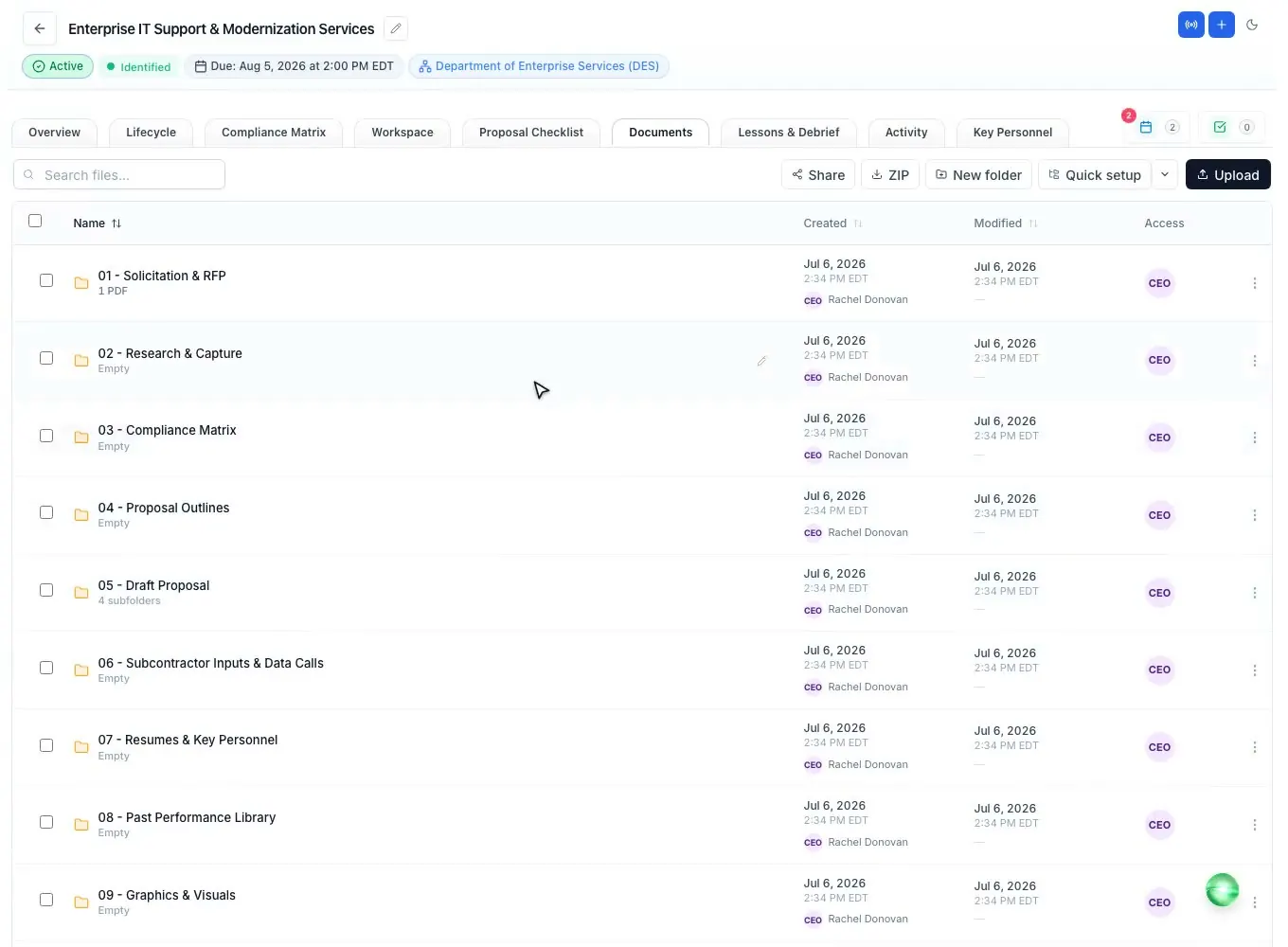
Open the RFP, amendments, and attachments right inside the workspace - PDF, Word, and Excel - without downloading a thing. Highlight the language that matters and pin sticky notes where your team needs to weigh in.
- Native viewers for PDF, Word (.docx, legacy .doc), and Excel (.xlsx)
- Text-selection highlights in multiple colors, saved per page
- Pinned sticky notes for team callouts, persisted with the document
- Export a flattened, burned-in PDF when you need to share your markup
Amendments
Every amendment, tracked
When an amendment drops, ProposalWorkspace compares it against the base RFP and produces a per-section changeset - what was added, modified, or removed - then lands it as tracked redlines attributed to the amendment, so nothing slips through.
- Compares an amendment against the base RFP section by section
- Emits a changeset of added, modified, and removed requirements
- Applies changes as tracked redlines attributed to "Amendment"
- Correlates amendment and Q&A updates back into the compliance matrix
- Accept or reject each redline, or all at once, with a durable audit trail
Background AI
It keeps working
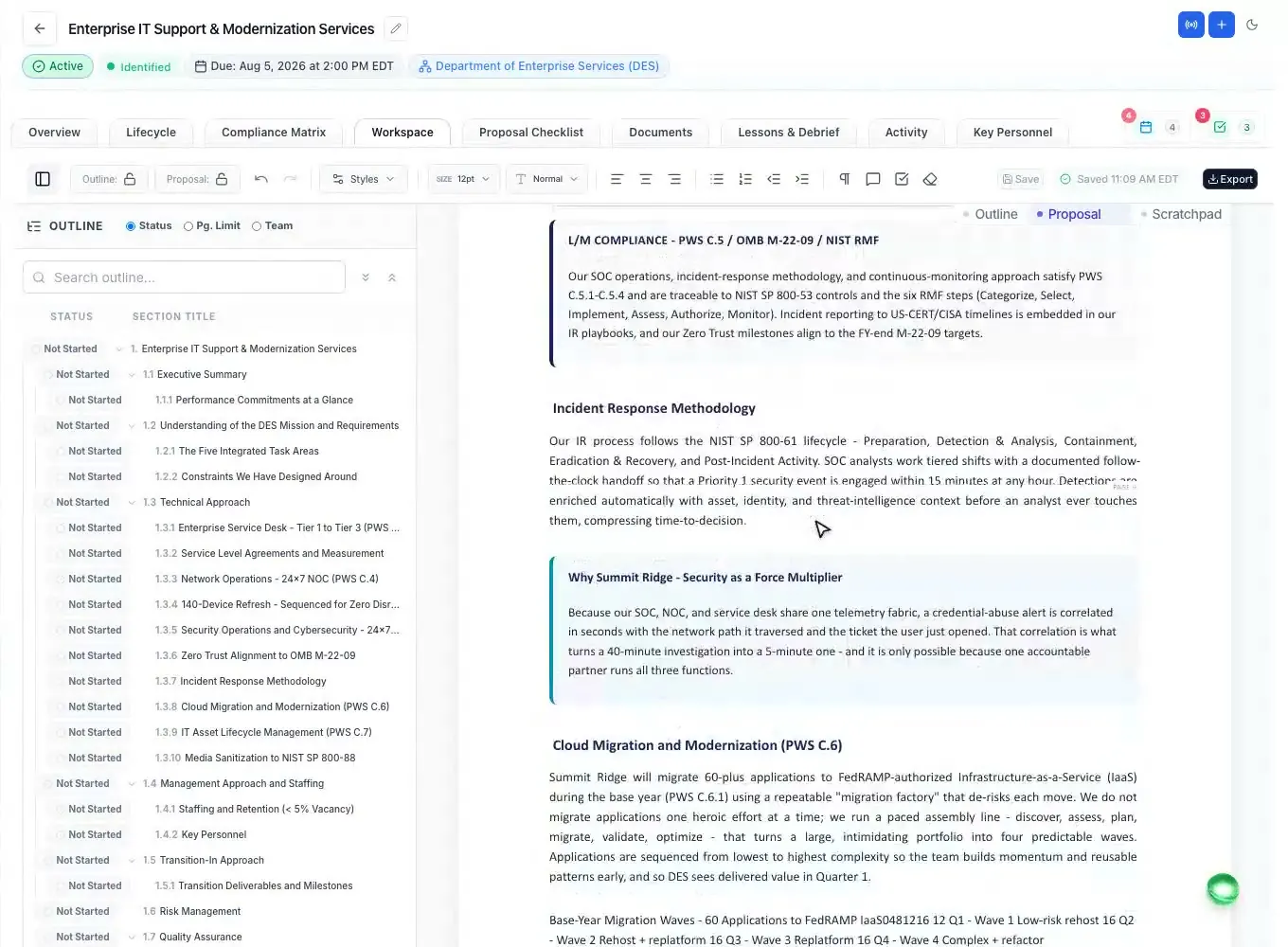
Kick off the analysis and keep moving. The background queue runs the whole chain - overview, RFP analysis, outline, compliance matrix, checklist, and more - streaming a live percentage to the sidebar while it works, even after you navigate away.
- Ten dependency-ordered task types, each writing real workspace state
- Live progress percentage and status on every running task
- Survives navigation and idle timeouts - runs to completion server-side
- Atomic single-winner claim - a task never double-runs
- Self-healing stale-task reaper clears anything genuinely stuck
Questions people ask
Questions about AI RFP analysis
What is AI RFP analysis?
Software that reads the solicitation for you and lists what it requires. In ProposalWorkspace the AI reads the native RFP PDFs and spreadsheets and returns the objectives, tasks, requirements, evaluation criteria, dates and submission rules, each with the page or section it came from, so your team can check every line.
What is RFP shredding?
Shredding means breaking an RFP into its separate requirements, usually every shall, must and will, so each one can be tracked and answered. ProposalWorkspace pulls the verbatim shall and must requirements, classes each one as mandatory, conditional or preferred, and keeps its source section and page.
Can AI help with the bid/no-bid decision?
Yes, as input to a person, not as the decider. The AI fills a GO/NO-GO worksheet with factors from the RFP in six categories, each with a page cite. Any showstopper blocks the bid, a weighted scorecard recommends GO at 70 and above, and someone on your team records BID or NO-BID with the reason.
What happens when an amendment comes out?
ProposalWorkspace compares the amendment with the base RFP section by section, lists what was added, modified or removed, and applies the changes as tracked redlines attributed to the amendment. You accept or reject each change, and the updates are matched back into the compliance matrix.
Does the AI guess when it cannot read the RFP?
No. When the AI cannot read a source or is unavailable, the analysis stops with a clear message instead of returning a made-up result, and fields the RFP does not state are flagged as missing rather than filled with a guess.
Learn more
Related capabilities
 ProposalWorkspace
Ready when the next RFP drops.
Set up in minutes
Free trial, no credit card. Claude connector included.